
All Posts
Organize your promotions to win more customers!
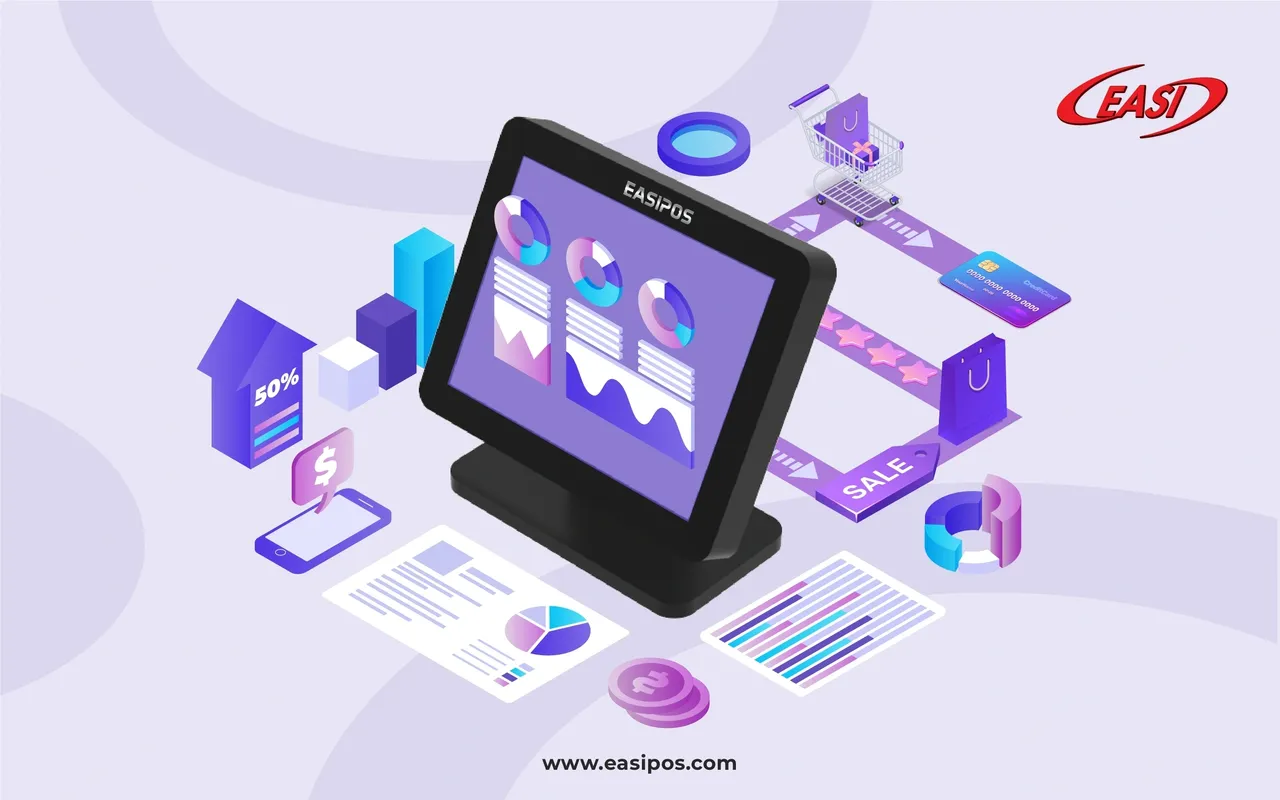
A time of transition from one season to the next brings new collections, exciting promotions, and new opportunities for retailers and cafeterias. While switching from one season to another can be financially rewarding, it also implies concerns over whether new inventory or new menu items will generate profit. With EASI promotion management solution, you can set up various attractive sales events, discounts, and cross-selling campaigns. Offerings can be bundled based on several criteria, including items, categories, customers, and seasons, in just a few clicks. The Promotions Management system assists you in drawing customers to your outlets, perhaps getting them attracted to the sales event and making them purchase more than just the promoted item. As a result, items with low sales will also be cleared from the inventory.
Specify which products and categories are subject to promotions
EASI module for promotion management offers predefined template formats. Promotions should be priced correctly, and products should be added based on the requirements. Each product can be added individually. Then you can select all of them when choosing the complete category, if they are from the same category and you wish to run promotions on the group as a whole. Alternatively, if you don't want to promote certain products, you can exclude them from promotions.
Store-specific promotion
Promotions should be designed differently depending on inventory and sales trends at different outlets. You can define and implement every promotion separately if you want to apply them to multiple locations with Promotion Management.
Setting a timeframe for promotions
To run a promotion for the right period, you need to define how long it will last. EASI Promotion Management Module allows you to set a mandatory start and end date. The promotion can also be run during a specific time of the chosen weekdays. As soon as the promotion ends, the system will update itself, especially at the POS level, to stop processing sales. By automating all functions in Promotions Management, you save time on manual editing.
Be sure to set limits and requirements
Promoting beyond requirements can result in loss and diminish profits. This means that setting a limit is basically a must during a promotion! EASI Promotion Management, for example, allows you to set a limit of 50 transactions per day, a multibuy discount condition with a minimum quantity, a bundle promotion with multiple products with a fixed price, and even a minimum purchase amount. When the usage limit is exceeded, the promotion will cease regardless of the time period defined. For successful sales, it's crucial to manage promotions.
A promotion management strategy tailored to a certain customer group
Customers who are loyal to your store may have a particular interest in a specific category of product. To run promotions, you can opt to target your most valuable customers first instead of targeting every audience. By integrating customer loyalty programs, you will be able to assign specific levels to your customers based on their spending habits. It will help to keep their loyalty as they will get a variety of benefits.
Promotional options and seasonal display optimization
Creating your own promotion is always an option if you have a different idea of how a promotion should be run. Each aspect can be customized. As an example, you may implement the promotion by organizing a stamp collection event, a voucher promotion and redemption event, or a lucky draw event with minimum expenditure.
Serve more people at a faster pace
Be sure you have enough ordering stations or tablets in each of your outlets according to your staff schedule and assignments. EASI POS system automates the serving process by allowing your staff to directly send orders to the kitchen, accelerate transaction processing, and eliminate human error. Our advanced POS solutions today come with intuitive inventory management tools and allow you to organize and archive your new stock efficiently. Your purchase history from all channels is also tracked and integrated into customer data reports to give you a comprehensive view of your entire marketing efforts throughout the promotional period.
It's time to update your menu
There is nothing more powerful than your menu. EASI POS system provides flexible settings that enable you to dynamically update your menu as often as possible as your menu changes. You can add Last-minute items to the menu. There should never be an issue with EASI POS!
By using EASI POS system, your staff will be able to work efficiently, foregoing downtime and maximizing productivity. If you monitor customer purchasing behavior and keep up to date with the latest outlet or cafe decor trends, your business will stay relevant, and your customers will return season after season. POS system always play a key role for your business, EASI gives you the tools you need to go the extra mile and provide customers with a memorable shopping or dining experience, no matter the season!