
All Posts
Restaurant reports will help you run a smooth operation
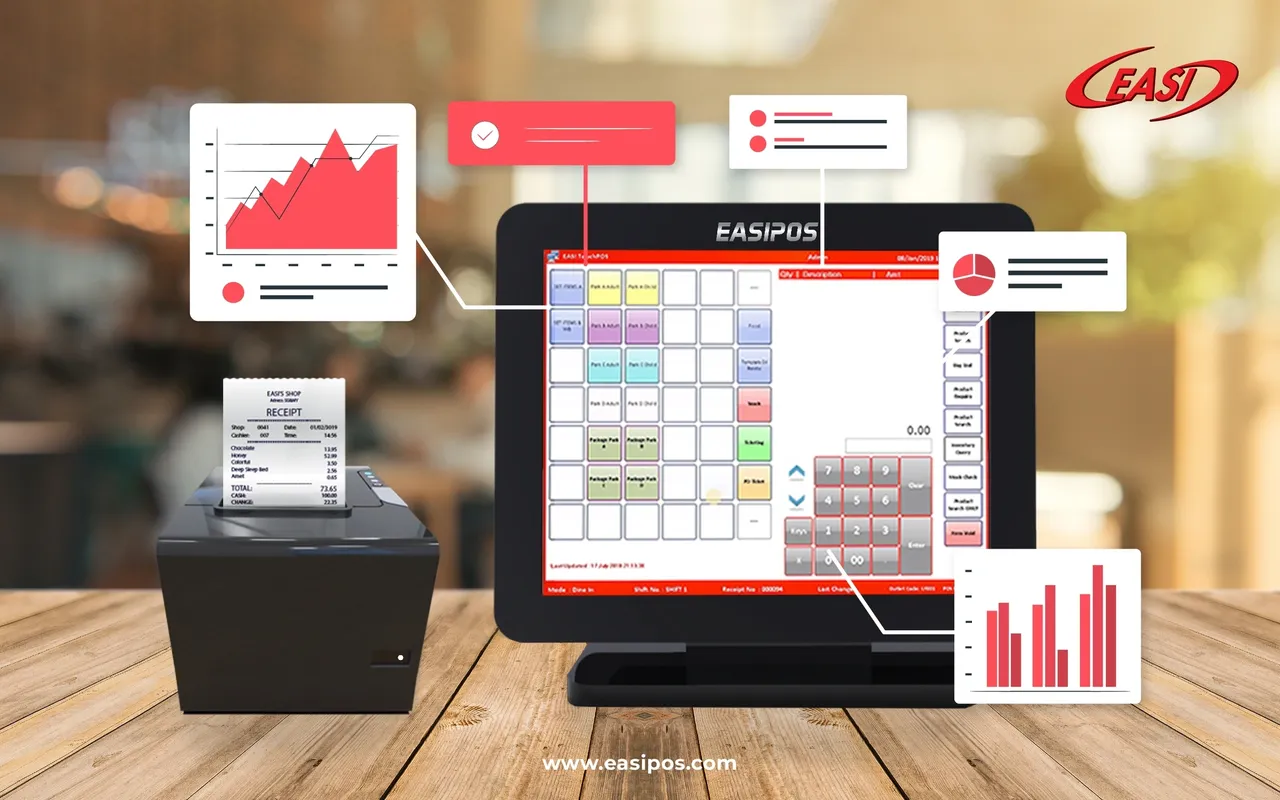
Restaurant reports provide restaurateurs with access to a wide range of valuable operational information useful for growing their business. Today everything is trackable, so it's no surprise that trackable reports are becoming the norm. The restaurant is a place where several things happen in parallel, like cooking dishes, setting up equipment, preparing ingredients, as well as billing and serving your guests. In platforms specifically designed for restaurant management, such as EASI POS, different reports can be generated in order to analyze kitchen performance.
The importance of restaurant reporting Modern reports can be built without the need for a complex pivot table in Excel. Our restaurant automation software will do all of the hard work for you! You can access detailed, customized data anywhere and anytime. Our reporting tools allow you to pick the metrics that are important to you and how you wish to track them. Choose yearly, quarterly, monthly, or even daily, whichever works for you! The following five restaurant reports are must-haves for any type of business dealing with restaurants, bars, and hospitality.
1. Sales Report
Sales are the lifeblood of a business. There are many features included in restaurant sales reports, such as top-performing and least-popular menu items, net sales, table turn times, discounts applied by your staff, and a breakdown of all service types and payment methods. A glance at restaurant performance metrics can be seen in your dashboard's sales report.
2. Labor Report
Waiters and kitchen staff are the backbone of your restaurant. EASI POS helps you track how much work was handled throughout the day at various times. Using restaurant labor reports, you can view key data such as overtime hours, attendance, commissions, personal access levels, and labor cost ratios. Depending on dates and shift hours, labor reports can be customized to show all employees or a specific employee. When you use employee scheduling software and a restaurant POS system together, planning your business is easier.
3. Kitchen Report
Through the integration of our POS software and Kitchen Display Systems (KDS), you will be able to keep an eye on order preparation times, chef assignments, delivery times, and the status of all kitchen tickets. Reports from KDS, when combined with labor reporting, give you a 360-degree view of your back of house.
4. Accounting Report
With our POS accounting reports, you can monitor cash flow, credit card payments, and daily transactions. The information from this report will help you prevent internal theft and human error, figure out how your customers prefer to pay, and plan your marketing promotion events based on the amount of discounts. Especially during tax season when reports need to be updated, it can be stressful for so many restaurateurs. You can access key financial information from our EASI POS software, including your restaurant assets, liabilities, revenue and expenses. Your accountant will only have to prepare the tax return since the general ledger report will do all the bookkeeping for you. You'll both save money and time this way.
5. Inventory Report
Any restaurant manager's toolbox should include inventory reports. Most restaurants spend the majority of their budget on food. The inventory report will provide you with information about inventory quantities, inventory values, and costing, as well as what ingredients or materials are running out. Monitoring and controlling inventory usage is crucial to preventing food and money from being wasted.
There will never be an easier way to run a restaurant, but there will be smarter solutions to problems. Technology has revolutionized the way restaurant kitchens operate with the advent of restaurant reports. Reports are one of the best approaches to improving restaurant kitchen efficiency. Learn your customers' dining preferences to convert occasional customers into your loyal customers!